2026-02-01
DIY Baby Passport Photo at Home (2026 Guide)
Taking a baby passport photo at home is easier than you think. Save time and money with our step-by-step guide.
Read More →
Professional ID photos in seconds with AI.
No studio visit needed. Perfect results from home.

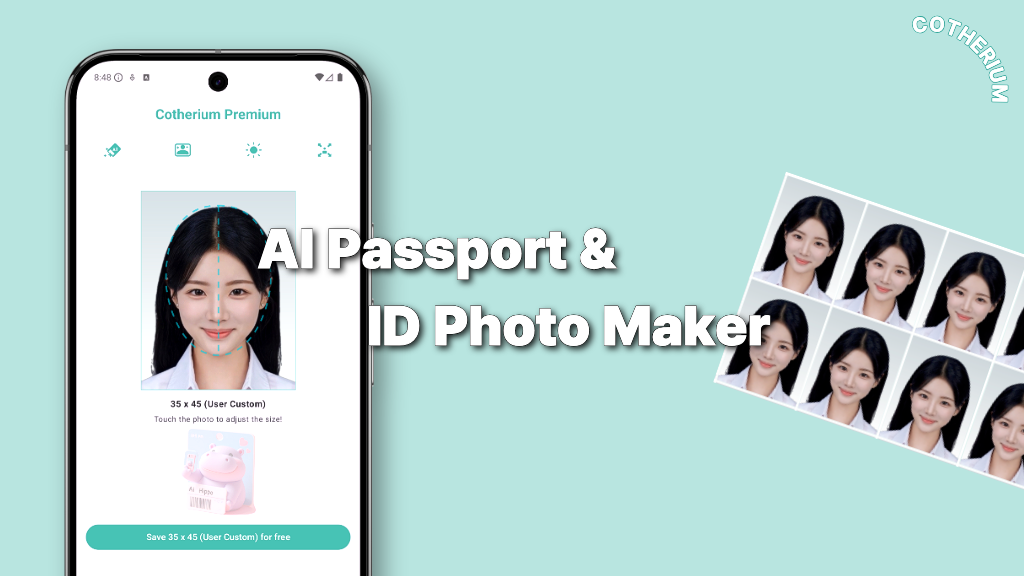
AI automatically detects and adjusts your face to match official passport requirements for any country.
Swap your clothes to formal suits or other styles directly in the app for the perfect professional photo.

Taking a baby passport photo at home is easier than you think. Save time and money with our step-by-step guide.
Read More →
Need a passport or visa photo urgently? Create professional ID photos at home for free with Cotherium.
Read More →Select a photo
from your gallery.
AI removes background
& resizes automatically.
Download and
use immediately.
Cotherium uses AI to automatically detect your face, remove the background, and adjust your face size and position to meet official passport photo requirements for your selected country. No manual editing needed.
Yes! With the new AI Outfit Changer feature, you can swap your clothes to formal suits or other styles directly in the app. Perfect when you need a professional photo but don't have the right outfit.
Cotherium supports passport and ID photo specifications for over 100 countries including US, Korea, Japan, EU nations, and more. Face alignment automatically calibrates to each country's official requirements.
Cotherium is free to download and use. Core features like background removal and basic photo editing are always free. Some advanced AI features may require in-app credits.
Cotherium offers Google Sign-In so you can securely create and access your account. We use the basic profile information provided by Google — your email address and name — solely to identify your account and to sync your photo editing history and credits across devices. We never use this information for any other purpose, and we do not share it with third parties. For full details, please read our Privacy Policy.